How to Choose a Tablet for Students & Work (2026 Guide)
Learn how to choose a tablet for students and work in 2026. Compare iPadOS vs Android multitasking, stylus latency, and keyboards—pick the best slate.

iPadOS, Android tablets, and glare-free E-Ink e-readers evaluated for handwritten notes, PDF reading, and Widevine L1 media streaming.
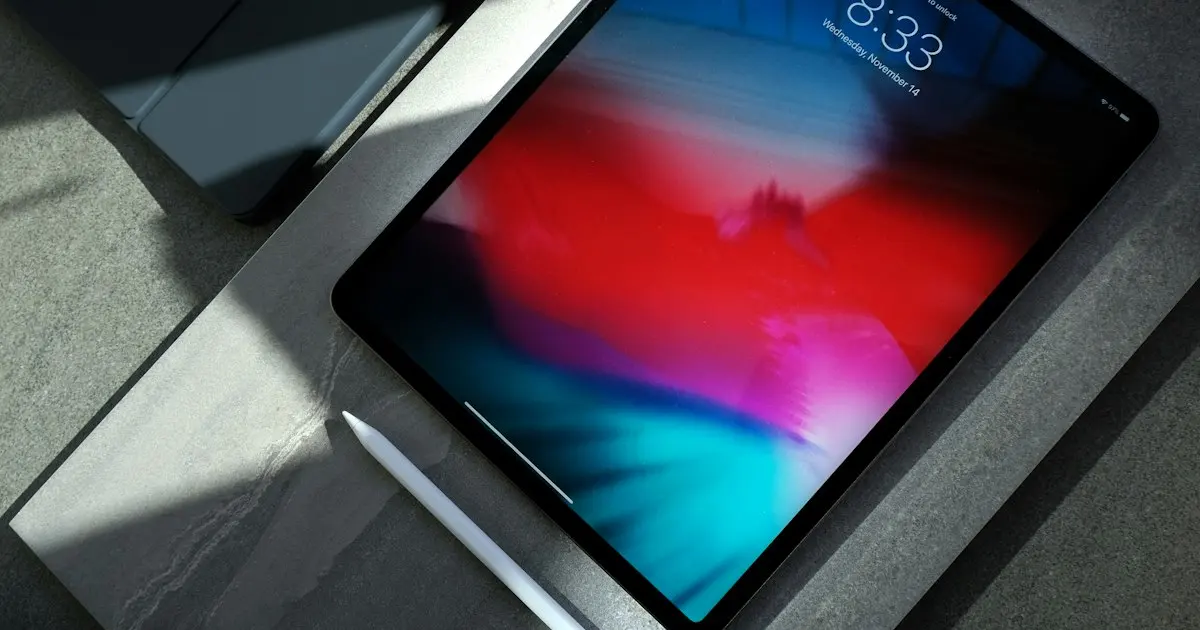
A well-chosen tablet or e-reader bridges the gap between a cramped smartphone screen and a heavy laptop, excelling at handwritten lecture notes, annotating academic PDFs, reading long-form books without blue-light eye strain, and streaming movies on flights or trains. When comparing Apple iPads, Samsung Galaxy Tabs, OnePlus and Xiaomi pads, and glare-free E-Ink readers like Amazon Kindle and Kobo, our guides focus on the details that shape daily use. We evaluate active stylus palm rejection, pressure sensitivity, and magnetic charging, laminated versus air-gap displays, Widevine L1 certification for Full HD Netflix and Prime Video playback, screen aspect ratios (4:3 and 7:5 for documents vs 16:10 for widescreen video), and total bundle cost once you add a stylus and keyboard cover.
1 article
Learn how to choose a tablet for students and work in 2026. Compare iPadOS vs Android multitasking, stylus latency, and keyboards—pick the best slate.
More in Mobiles, Tablets & Wearables
Deciding on a smartwatch vs fitness band in 2026? Compare optical heart rate accuracy, sleep tracking, GPS, and 14-day battery life—find your match now.
Compare the best smartphones under 20000 in 2026 with OIS cameras, 120Hz AMOLED displays, 5,500mAh batteries, and clean 5G software—see our picks now.